Random
To make the movement direction and speed of our asteroids different every time we play our game, we should give each asteroid a random direction and speed at the start of the game. To do this we can use the Random class to generate random numbers.
Random. Range
For our speed variable, we can assign a random value by using Random.Range(). This function returns a value based on a minimum and maximum value.
To set our speed to a random value between .75 and 1.25 we can call Random.Range(.75f, 1.25f) and set it equal to our speed variable. We can do this within our Asteroid.cs script.
void Start()
{
    speed = Random.Range(.75f, 1.25f);
...
Random.insideUnitCircle
To generate a random Vector2 for our direction we can use Random.insideUnitCircle. This returns a random Vector2 with the x and y values ranging from -1 to 1. This function essentially picks a random point within a circle that has a radius of size 1 and then returns the x and y position of those points.
void Start()
{
    direction = Random.insideUnitCircle;

...
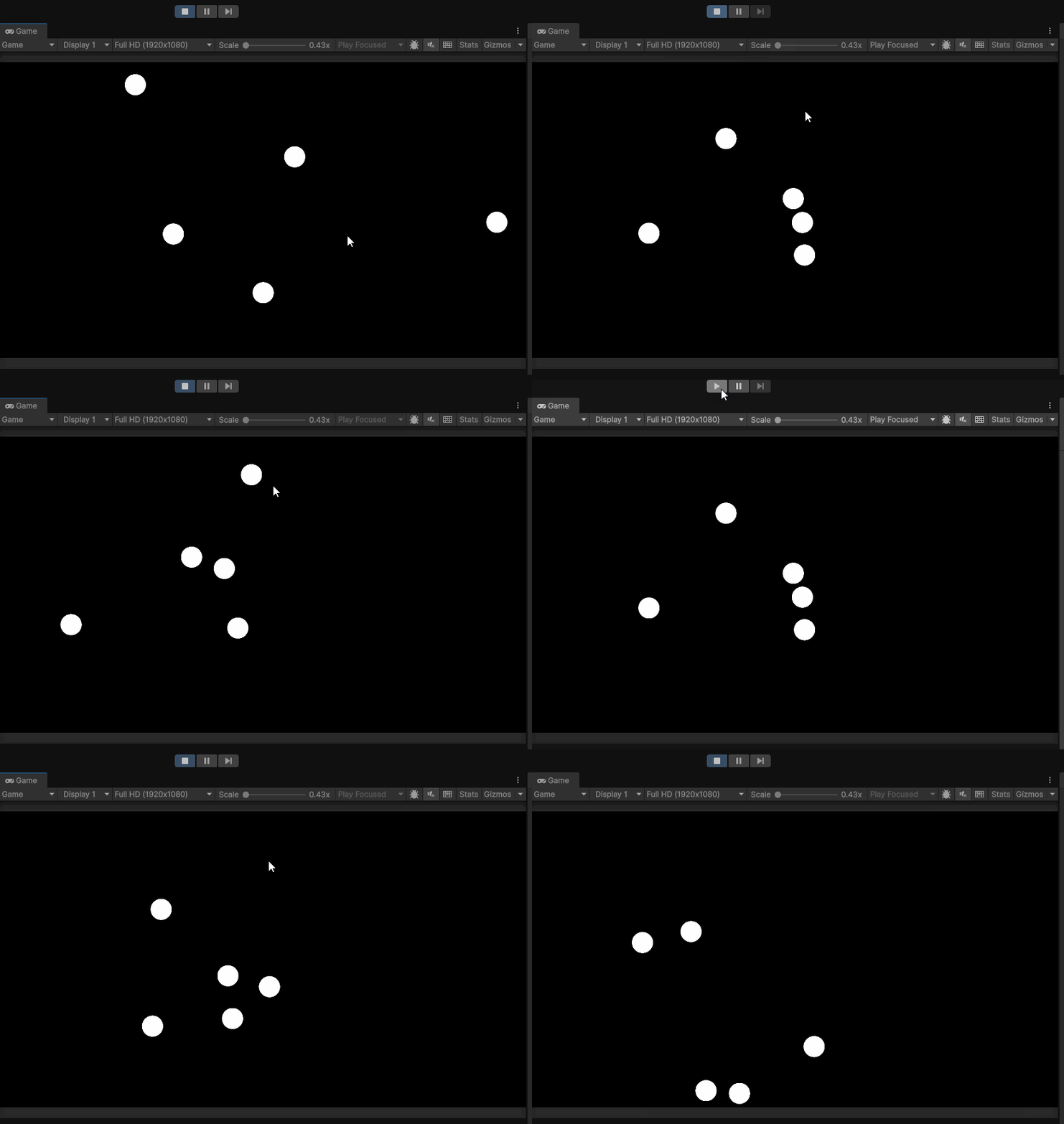
Playing our game, we will not see that our asteroids move in a random direction every time we play the game:
Full Asteroid.cs script after adding randomness:
using UnityEngine;

public class Asteroid : MonoBehaviour
{
    Rigidbody2D rbody;
    public Vector2 direction;
    public float speed;

    void Start()
    {
        rbody = GetComponent<Rigidbody2D>();
        speed = Random.Range(.75f, 1.25f);
        direction = Random.insideUnitCircle;

    }

    void FixedUpdate()
    {
        Vector2 newPosition = rbody.position + direction.normalized * Time.fixedDeltaTime * speed;
        rbody.MovePosition(newPosition);
    }

}