Asteroid Generations
So far within our tutorials we have a playable version of asteroids. Within our current version, we can destroy all the asteroids and a new wave of asteroids will spawn. Within the original version of the game, when an asteroid is destroyed, it breaks apart into a smaller asteroid. In this tutorial we will learn more about communication between scripts in Unity to create the effect of asteroids breaking apart.
Game Logic
Before we begin editing our code, we can take a moment to consider what we need our asteroid generation system to do:
- Spawn one large asteroid (give it a large size and a slow speed)
- Add this asteroid to the asteroid list
- On destruction, spawn two asteroids (medium size and medium speed)
- remove original asteroid from asteroid list
- Add two new asteroids to asteroid list
- On destruction, spawn three small asteroids (small size and fast speed)
- remove original medium asteroid from asteroid list
- Add the three new asteroids to asteroid list
- On destruction, remove small asteroid from asteroid list
- When all small asteroids are destroyed, spawn a new wave of large asteroids
Looking at this logic, we can understand that our small, medium, and large asteroids are all essentially the same asteroid game object. The only differences between them is their size, speed and how many asteroids they spawn on destruction.
Within this in mind, we can edit our Asteroid.cs file to add the logic of successive asteroid generations.
Generation
Within our Asteroid.cs file we can begin by adding variable that will handle the current generation of our asteroids. Generation here refers to which asteroids are being spawned. For example the first generation will be our large asteroids, the second will be medium and so on.
Within our Asteroid.cs file we can add the following variable:
public class AsteroidHolder : MonoBehaviour
{
    public int generation = 1;
We will default to a generation value of 1 and change this value when an asteroid is instantiated.
Speed and Size
Now we can edit the speed and size variable of our asteroids when they created.
Speed
Within the Start() method of our Asteroid.cs file, we can multiple our speed by our generation value. This will cause later generations to move faster.
void Start()
{
    rbody = GetComponent<Rigidbody2D>();

    //multiply speed by generation
    speed = Random.Range(.75f, 1.25f);
    speed *= generation;

    direction = Random.insideUnitCircle;
}
Size
Currently, the size of our asteroid always in the same. Let’s create a local variable that can hold a random size value. Within our Start() method, let’s create the variable named randSize and set it equal to a random value between 2 and 2.5:
float randSize = Random.Range(2, 2.5f);
We can then divide this randSize by the value of generation to get smaller asteroids in each generation. We can store this value as a local float variable named size:
float size = randSize / generation;
Lastly, we can assign this size value to the Transform of our asteroid by calling transform.localScale and assigning it a value of a new Vector3. This Vector3 will have our size value for the x and y parameters, and a value of 1 for the z parameter:
transform.localScale = new Vector3(size, size, 1);
After this section, the Start() method of our Asteroid.cs file should look like the following:
void Start()
{
    rbody = GetComponent<Rigidbody2D>();

    speed = Random.Range(.75f, 1.25f);
    speed *= generation;

    float randSize = Random.Range(2, 2.5f);
    float size = randSize / generation;
    transform.localScale = new Vector3(size, size, 1);

    direction = Random.insideUnitCircle;
}
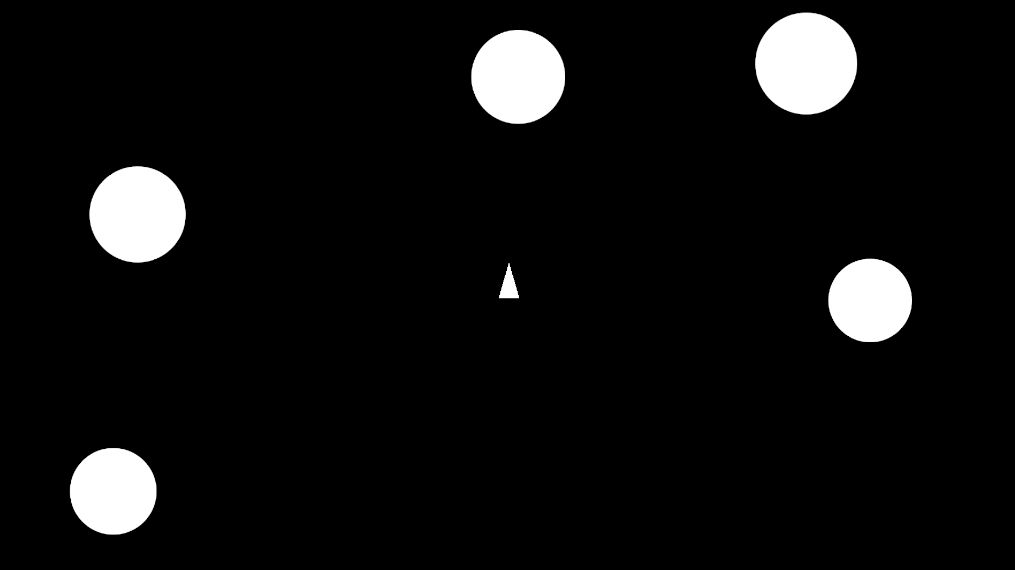
When we play our code, we should see asteroids between the size of 2 and 2.5 units:
Generation Logic
Now that we have a generation variable and we have our asteroids changing size and speed, we can edit the destruction logic of our code so that new generations of asteroids can be created. We can begin by editing our code where our asteroid is destroyed. This exists within our OnTriggerEnter2D() method which currently should look like the following:
private void OnTriggerEnter2D(Collider2D collision)
{
    if (collision.CompareTag("Projectile"))
    {
        GameManager.instance.RemoveAsteroid(gameObject);
        Destroy(gameObject);
    }
}
We can add the following logic to this script:
When an asteroid is destroyed:
- Increase the generation size
- If the generation isn’t beyond generation 3
- Run new asteroid logic
- If the generation is beyond 3, destroy the asteroid
In code, we can first increase our generation number when an asteroid is hit:
generation++;
After we remove our asteroid from the asteroid list, we can check if we are within 3 generations. If not, we can destroy the asteroid:
private void OnTriggerEnter2D(Collider2D collision)
{
    if (collision.CompareTag("Projectile"))
    {
        generation++;
        GameManager.instance.RemoveAsteroid(gameObject);

        if(generation <= 3)
        {

        }
        else
        {
            Destroy(gameObject);
        }

        Destroy(gameObject);
    }
}
Within the if statement, we can add logic to control the generation of new asteroids.
We could write this code directly within our Asteroid.cs file, however since the logic within this if statement will have to manage a variety of aspects of our game, it is best to create a method within our GameManger script that can handle breaking asteroids. We can then call this Game Manger script within our Asteroid file.
Break Asteroids
Within our GameManager.cs file, we can create a new public method called BreakAsteroids(). For ease of access, we can write this method below our SpawnAsteroid() method:
//GameManger.cs file
void SpawnAsteroids()
{
    for (int i = 0; i < asteroidsToSpawn; i++)
    {
        GameObject newAsteroid = Instantiate(asteroid, GetRandomAsteroidPosition(), Quaternion.identity);
        AddAsteroid(newAsteroid);
    }
}

public void BreakAsteroids()
{

}
Considering that this method will have to handle spawning asteroids based on generation and the position of the previous asteroid, we can have the BreakAsteroid() method take in a int variable for the asteroid generation, as well as a Transform variable that we can use to get the position and rotation of the original asteroid. Since we are taking in two parameters, we can separate the parameters by a comma ,.
public void BreakAsteroids(int asteroidGeneration,Transform parentTransform )
{

}
Next, lets quickly return to our Asteroid.cs file to call the BreakAsteroid() method. Make sure to save your GameManger.cs file so we can access the method within our Asteroid script. We will provide this method with our generation value, and the value of transform to get the Transform attached to our asteroid:
private void OnTriggerEnter2D(Collider2D collision)
{
    if (collision.CompareTag("Projectile"))
    {
        generation++;
        GameManager.instance.RemoveAsteroid(gameObject);

        if(generation <= 3)
        {
            //new line to break asteroids
            GameManager.instance.BreakAsteroids(generation, transform);
        }
        else
        {
            Destroy(gameObject);
        }

        Destroy(gameObject);
    }
}
Creating Asteroid Generation
Returning then to our GameManger.cs file, we can finish the logic of generating new asteroids.
Within this script we want to:
- Generate a number of asteroids based on generation number
- To generate new asteroids
- Instantiate a new asteroid and place it in the position of the old asteroid
- Assign the new asteroid the new generation value
Let’s begin by running a for loop that we can use to create a number of asteroids based on our generation value. This for loop will run two times for generation 2 and 3 times for generation 3:
public void BreakAsteroids(int asteroidGeneration,Transform parentTransform )
{
    for (int i = 0; i < asteroidGeneration; i++)
    {


    }
}
We can then instantiate a new asteroid using the asteroid GameObject prefab. We can provide a position and rotation equal to the position and rotation of the original asteroid. Let’s make sure to assign this new asteroid to a GameObject variable named newAsteroid:
public void BreakAsteroids(int asteroidGeneration,Transform parentTransform )
{
    for (int i = 0; i < asteroidGeneration; i++)
    {
        GameObject newAsteroid = Instantiate(asteroid, parentTransform.position, parentTransform.rotation);
    }
}
Add Asteroid to Asteroid List
With our newAsteroid created, we can add our newAsteroid to our asteroidList using the AddAsteroid() method:
public void BreakAsteroids(int asteroidGeneration,Transform parentTransform )
{
    for (int i = 0; i < asteroidGeneration; i++)
    {
        GameObject newAsteroid = Instantiate(asteroid, parentTransform.position, parentTransform.rotation);
        AddAsteroid(newAsteroid);
    }
}
Assigning Generation
Next, we want to make sure that these new asteroids inherit the generation value used when BreakAsteroid() was called. In other words, we need to assign the value of asteroidGeneration to the generation value of our new asteroid.
To do this, we fist need to access the Asteroid Component on our newAsteroid. We can do this by using GetComponent. Let’s make sure we are getting a component of type Asteroid:
newAsteroid.GetComponent<Asteroid>()
Next, within the same line we can use .generation to get access to the generation variable of the Asteroid Component.
newAsteroid.GetComponent<Asteroid>().generation
Finally, we can set this equal to asteroidGeneration provided by the original asteroid:
newAsteroid.GetComponent<Asteroid>().generation = asteroidGeneration;
Our BreakAsteroids() method will look like the following:
public void BreakAsteroids(int asteroidGeneration,Transform parentTransform )
{
    for (int i = 0; i < asteroidGeneration; i++)
    {
        GameObject newAsteroid = Instantiate(asteroid, parentTransform.position, parentTransform.rotation);
        AddAsteroid(newAsteroid);
        newAsteroid.GetComponent<Asteroid>().generation = asteroidGeneration;
    }
}
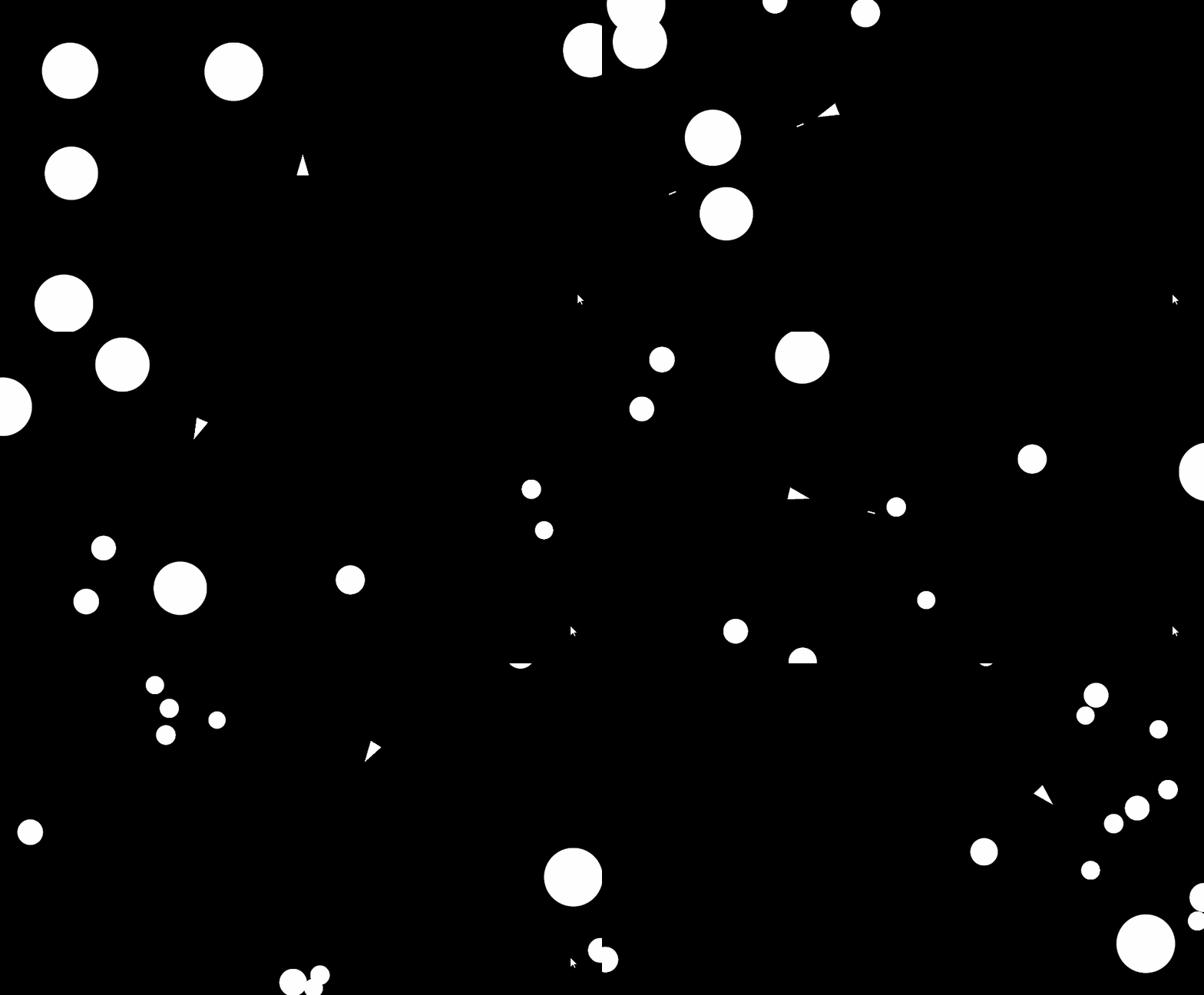
If we run our game we will see that our main asteroids break apart into 2 asteroids, those asteroids then break into three pieces:
Scripts
At the end of this tutorial, our GameManger.cs and Asteroid.cs file should look like the following:
using System.Collections.Generic;
using UnityEngine;
using UnityEngine.Audio;

public class GameManager : MonoBehaviour
{
    public static GameManager instance;

    public GameObject player;
    public GameObject asteroid;

    int asteroidsToSpawn = 5;
    public float asteroidPadding = 2;

    public List<GameObject> asteroidList = new();

    private void Awake()
    {
        if (instance != null && instance != this)
        {
            Destroy(this);
        }
        else
        {
            instance = this;
        }
    }
    void Start()
    {
        StartGame();
    }

    void Update()
    {

    }

    void SpawnPlayer()
    {
        Instantiate(player, Vector3.zero, Quaternion.identity);
    }

    void SpawnAsteroids()
    {
        for (int i = 0; i < asteroidsToSpawn; i++)
        {
            GameObject newAsteroid = Instantiate(asteroid, GetRandomAsteroidPosition(), Quaternion.identity);
            AddAsteroid(newAsteroid);
        }
    }

    public void BreakAsteroids(int asteroidGeneration,Transform parentTransform )
    {
        for (int i = 0; i < asteroidGeneration; i++)
        {
            GameObject newAsteroid = Instantiate(asteroid, parentTransform.position, parentTransform.rotation);
            AddAsteroid(newAsteroid);
            newAsteroid.GetComponent<Asteroid>().generation = asteroidGeneration;
        }
    }

void StartGame()
    {
        SpawnPlayer();
        SpawnAsteroids();
    }

    public void AddAsteroid(GameObject asteroid)
    {
        asteroidList.Add(asteroid);
    }

    public void RemoveAsteroid(GameObject asteroid)
    {
        asteroidList.Remove(asteroid);
        if(asteroidList.Count == 0)
        {
            asteroidsToSpawn++;
            SpawnAsteroids();
        }
    }

    Vector3 GetRandomAsteroidPosition()
    {
        float height = Camera.main.orthographicSize * 2 - 2;
        float width = (Camera.main.orthographicSize * 2 - 2) * Camera.main.aspect;
        Vector3 randomPosition = Vector3.zero;
        int randomZone = Random.Range(0, 4);

        if(randomZone == 0)
        {
            float randX = Random.Range(-width/2, width/2);
            float randY = Random.Range(height / 2, height / 2 - asteroidPadding);
            randomPosition = new Vector3(randX, randY, 0);
        }
        else if(randomZone == 1)
        {
            float randX = Random.Range(-width / 2, width / 2);
            float randY = Random.Range(-height / 2, -height / 2 + asteroidPadding);
            randomPosition = new Vector3(randX, randY, 0);
        }
        else if(randomZone ==2)
        {
            float randX = Random.Range(-width / 2, - width / 2 + asteroidPadding);
            float randY = Random.Range(-height / 2, height / 2);
            randomPosition = new Vector3(randX, randY, 0);
        }
        else if(randomZone == 3)
        {
            float randX = Random.Range(width / 2 - asteroidPadding, width / 2);
            float randY = Random.Range(-height / 2, height / 2);
            randomPosition = new Vector3(randX, randY, 0);
        }

        return randomPosition;
    }
}
using UnityEngine;

public class Asteroid : MonoBehaviour
{
    Rigidbody2D rbody;
    public Vector2 direction;
    public float speed;

    public int generation = 1;

    void Start()
    {
        rbody = GetComponent<Rigidbody2D>();

        speed = Random.Range(.75f, 1.25f);
        speed *= generation;

        float randSize = Random.Range(2, 2.5f);
        float size = randSize / generation;
        transform.localScale = new Vector3(size, size, 1);

        direction = Random.insideUnitCircle;
    }

    void FixedUpdate()
    {
        Vector2 newPosition = rbody.position + direction.normalized * Time.fixedDeltaTime * speed;
        rbody.MovePosition(newPosition);
    }

    private void OnTriggerEnter2D(Collider2D collision)
    {
        if (collision.CompareTag("Projectile"))
        {
            generation++;
            GameManager.instance.RemoveAsteroid(gameObject);

            if(generation <= 3)
            {
                GameManager.instance.BreakAsteroids(generation, transform);
            }
            else
            {
                Destroy(gameObject);
            }

            Destroy(gameObject);
        }
    }
}